Guides
Background and context on the topics that come up when connecting CRM and accounting. Factual, without product pitches.
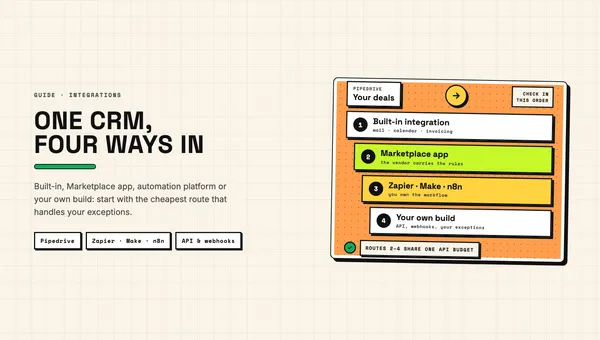
Pipedrive integrations: four routes and when to use each
Pipedrive integrations explained: built-in connections, Marketplace apps, Zapier, Make and n8n, or your own API build, and which route fits which job.
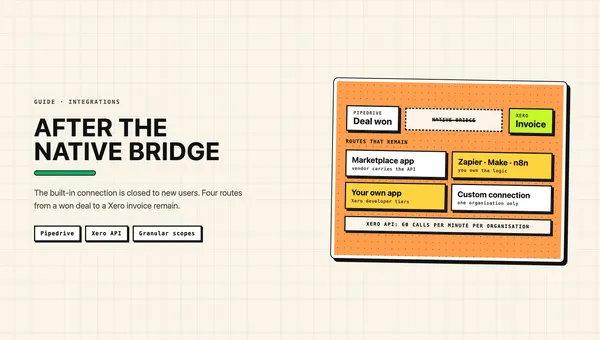
Pipedrive Xero integration in 2026: what still works
Pipedrive Xero integration in 2026: the native connection is closed to new users. Which routes still work, what Xero changed and where syncs break.
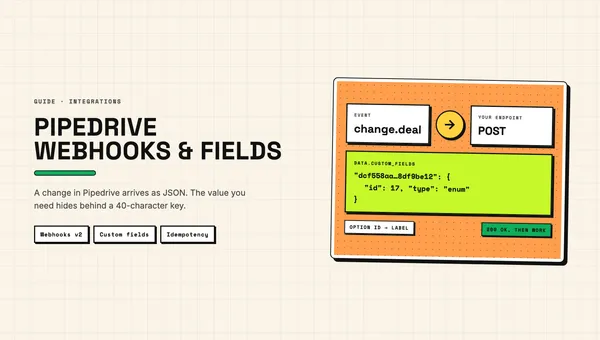
Pipedrive webhooks and custom fields via the API
Pipedrive webhooks for developers: setup via UI or API, v2 payloads, retries and bans, idempotency, and mapping custom fields by their 40-character keys.
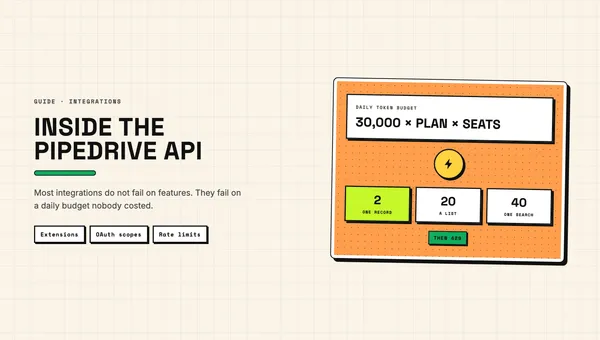
The Pipedrive API: what you can build, and what it costs you
What a Pipedrive API integration can actually do, which OAuth scopes to ask for, and how the daily token budget decides whether it survives.
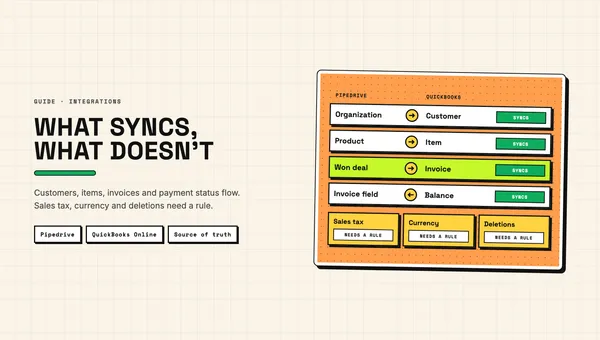
Pipedrive QuickBooks integration: what syncs, what doesn't
Pipedrive QuickBooks integration explained: what syncs between deals and invoices, where tax, currency and duplicates break it, and how to pick a route.
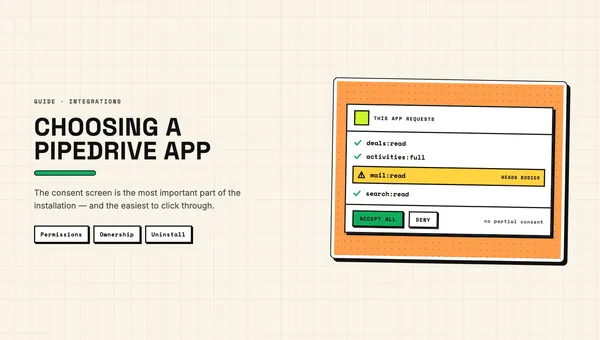
Pipedrive apps and add-ons: how to choose one, and what installing it really means
How to judge an app in the Pipedrive app store before installing it: what the permissions mean, who owns the connection, and what stays behind afterwards.
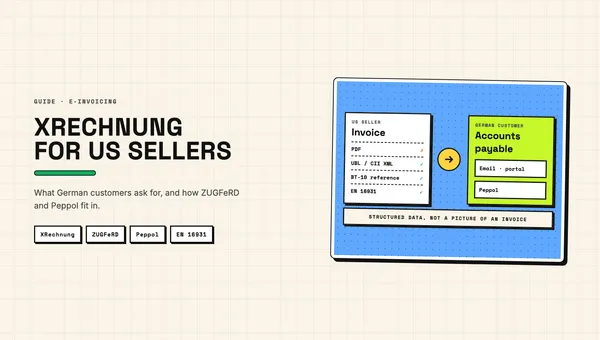
XRechnung for US companies: what German customers may ask for
XRechnung explained for US companies: when German law requires it, what German customers may ask for, and how ZUGFeRD and Peppol fit in.
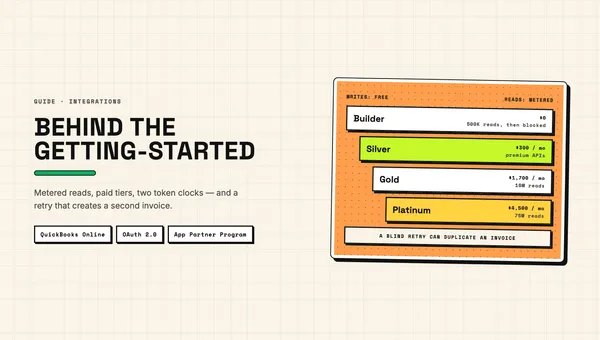
Building on the QuickBooks API: what the docs don't tell you
The QuickBooks API beyond the getting-started guide: metered reads, paid tiers, token lifetimes, rate limits, duplicate invoices and the 2025–26 changes.
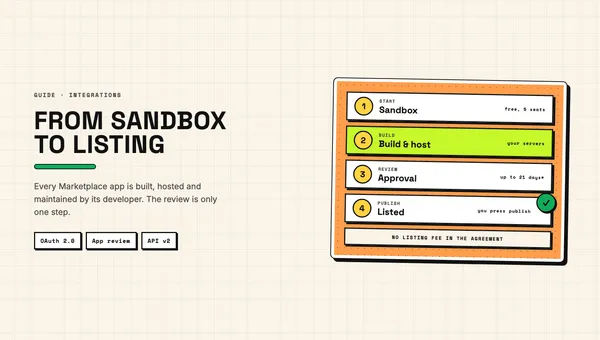
The Pipedrive Marketplace: how apps get there and what building one costs
How apps get into the Pipedrive Marketplace: private or public, the review, the rules that drive the budget, and where the cost of an app comes from.
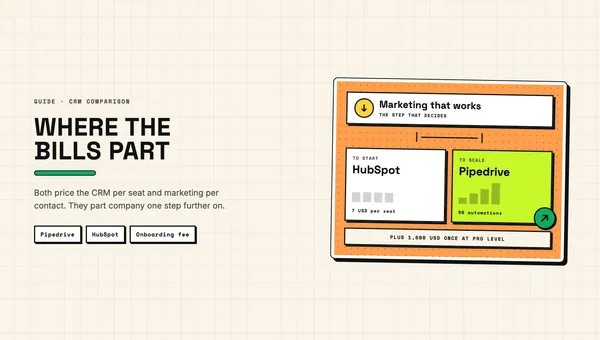
Pipedrive vs HubSpot: an honest comparison from a Pipedrive shop
Pipedrive vs HubSpot in 2026: real per-seat prices, HubSpot's required onboarding fees, contact-based billing, API limits, and where each one is the better choice.

Pipedrive and Gmail: three ways to connect them, and which one you actually want
A Pipedrive Gmail integration means one of three things: email sync, Smart Bcc or the add-on. What each puts into the CRM, and which plans they need.
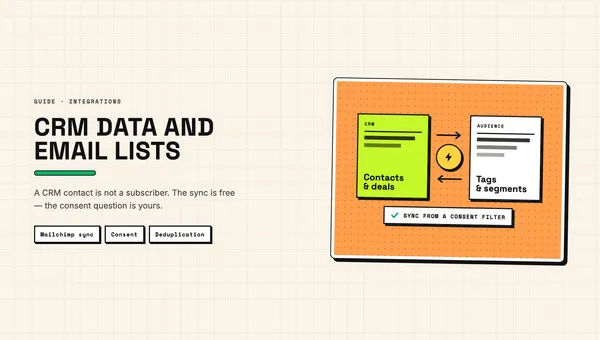
Pipedrive and Mailchimp: what the official sync does, and where it stops
What the official Pipedrive Mailchimp integration does, the four limits worth planning around, and why a CRM contact is not a newsletter subscriber.