Pipedrive and Mailchimp: what the official sync does, and where it stops
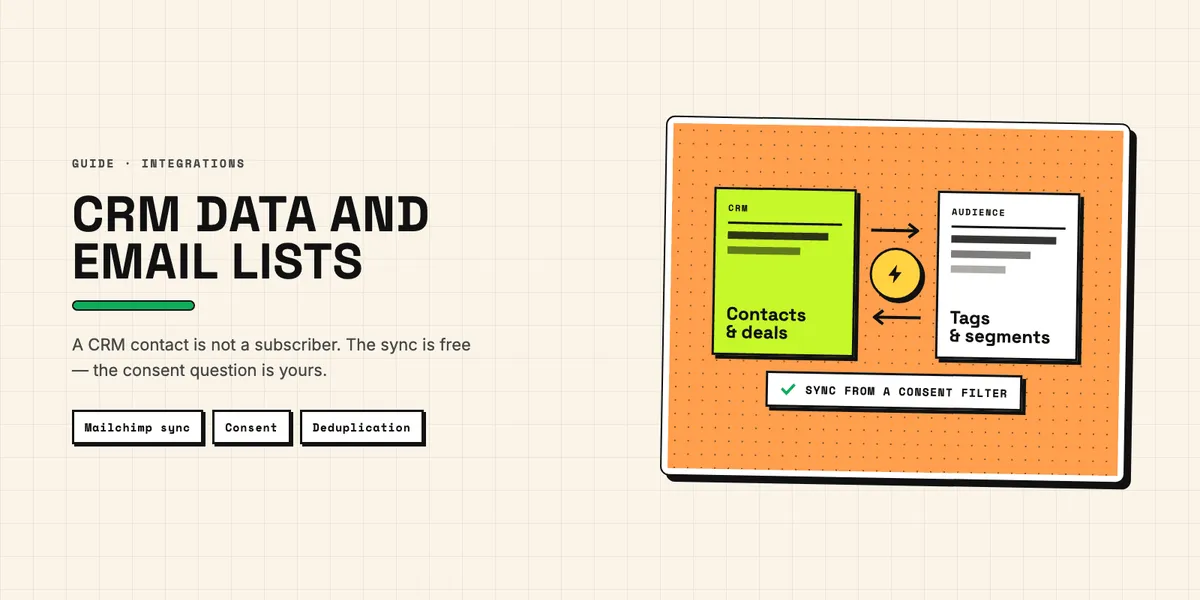
Sales keeps its contacts in Pipedrive. Marketing sends from Mailchimp. Somewhere between the two, a spreadsheet gets exported every few weeks, and by the time it is imported the data is already out of date.
There is an official Pipedrive Mailchimp integration that removes that spreadsheet, and it is free. It is also more limited than most teams expect on the day they discover it — not in an unusable way, but in ways that decide how you should set it up. This piece covers what the sync does, the four limitations that matter, and the consent question that no integration solves for you.
What the official Pipedrive Mailchimp integration does
The Mailchimp sync app is built by Pipedrive together with Paragon and listed as free on its Marketplace page. It syncs contacts in both directions and is configured as a set of flows rather than as one global switch, which is the most important thing to understand about it.
According to Pipedrive's knowledge base article on the Mailchimp sync, the directions available are:
| Direction | Triggered by |
|---|---|
| Mailchimp → Pipedrive | a segment or tag, or newly added contacts in an audience |
| Pipedrive → Mailchimp | a filter, or a deal reaching a chosen pipeline stage |
You can run several flows at once, which is how one-way and two-way setups are actually built: two opposing flows rather than one bidirectional setting. That granularity is the strength of the integration. A flow that pushes a contact to a "Customers" audience the moment their deal reaches Won is a few clicks, and it is the single most useful thing most teams do with it.
Timing is documented and reasonable. The first sync starts within ten minutes of activation. New contacts are picked up on a schedule that runs a few times per day. Changes to already-synced fields propagate almost instantly, as do event-based flows tied to a pipeline stage.
Field mapping is where the first surprise lives: only compatible field types sync. Text maps to text. Pipedrive's single- and multiple-option fields, user fields, organization and person fields do not sync, and neither do Mailchimp's radio and dropdown fields. Required fields are always included and cannot be removed from the mapping.
That rules out a common plan before you make it. If your segmentation lives in a Pipedrive dropdown — industry, customer type, plan tier — it will not travel to Mailchimp as it stands. The workaround is a plain text field maintained alongside it, which is exactly as fragile as it sounds. Better: build the segmentation on the Mailchimp side out of tags driven by pipeline stage, which the integration does support natively.
The four limitations worth planning around
The documentation is candid about the edges. Each of these has a workaround, and all four are cheaper to handle before the first sync than after.
Changing an email address creates a new contact rather than updating the existing one. Email is the identity key on the Mailchimp side. When a customer moves from one company to another and you edit the address in Pipedrive, you now have two records in Mailchimp, one of which is dead. If your contacts change addresses often, plan a periodic cleanup of the audience, or accept the duplicates knowingly.
Deleting a contact in one system does not delete it in the other. This is the one to think about carefully, because it is not only a data quality issue. Someone who asks to be erased under GDPR Article 17, and is deleted in Pipedrive, still exists in Mailchimp. Erasure has to be executed in both systems, and that has to be part of the written process rather than an afterthought — with a note of who checks the second system, and how that check is evidenced. (We are building the CRM half of this as PipeGuard; it is announced for Q4 2026 and not available yet.)
Contacts that fall out of a filter or segment get inconsistent updates. If a contact no longer matches the filter that pushed them across, they do not disappear; they simply stop being maintained. Over a year, that turns a marketing audience into a mix of current and frozen records with nothing marking which is which.
The sync copies what it finds. Duplicated people in Pipedrive become duplicated subscribers in Mailchimp, and a Mailchimp audience is one of the least pleasant places to notice a duplicate, because the customer notices it too — they get the mail twice. Deduplicating before the first sync is the cheapest it will ever be, and Duplicate Guard Lite is free for exactly this reason.
The question the integration does not answer: consent
A CRM contact is not a newsletter subscriber. That is a legal statement in the EU and the UK, not a matter of taste.
Someone who asked for a quote gave you their address for that quote. Under the GDPR that is a purpose, and marketing email is a different purpose requiring its own legal basis — usually consent, sometimes the narrow "existing customer" exemption for your own similar products, which comes with its own conditions and an opt-out in every message.
An integration that pushes every Pipedrive contact into a Mailchimp audience is technically trivial and legally the exact wrong default. Two habits keep it clean:
Sync from a filter, never from "all contacts." Build a Pipedrive filter that only matches contacts with a recorded marketing consent, and point the flow at that filter. The filter is then your enforcement mechanism, in one place, visible to everyone.
Record where consent came from, not just that it exists. A checkbox saying "yes" is worth little without the form, the date and the wording that was agreed to. Keep that on the Pipedrive record, because that is where anyone answering a subject access request will look.
The same reasoning applies in reverse. Someone who unsubscribes in Mailchimp has withdrawn consent, and the CRM should show that — otherwise the next salesperson adds them to a campaign by hand next quarter. The official sync moves contacts and field values; it does not carry marketing engagement, opens, clicks, bounces or unsubscribes back into Pipedrive. If that engagement history is what you actually wanted, the official app is not the tool, and either a dedicated engagement-sync product or a small build against both APIs is.
When to go beyond the official app
Three signals say the free integration has reached its limit.
You need engagement data in the CRM — who opened, who clicked, who bounced — so that sales can prioritise on it. That is not what the sync does.
You need segmentation that lives in structured Pipedrive fields, and the field types will not travel.
You need deletions and unsubscribes mirrored reliably in both directions, because your erasure process has to be provable rather than approximately right.
Any of those means building against both APIs, and the cost question there is not development time but rate limits: every sync run spends from your Pipedrive daily token budget, which is 30,000 base tokens × plan multiplier × seats. A naive implementation that searches for a contact before every write burns 40 tokens per lookup — the arithmetic is worked through in what the Pipedrive API costs you, and it is worth doing before, not after.
For most teams, though, the honest recommendation is smaller than that: install the free app, drive it from a consent filter, deduplicate first, and put erasure in both systems into the process rather than into someone's memory.